|
Tenniscores have an App for Apple(IOS) and Android phone and tablet users.
There is no charge for the app and it is completely free.
The app is available for iPhone and Android phones from their respective 'play stores'. The app gives access to:-
- League match schedules,
- allows completion of scorecards,
- access to team contact details,
- contact Captains directly from the app,
- search team rosters,
- directions to the facility of the team you are playing.
- access Suncoast Tennis League 'Rules of Play' (and Regulations and ITF Rules of Tennis).
An 'on the move' solution!
|
| Downloading and Installation |
Look for the app in the Play Store.
Download and install on your phone
|
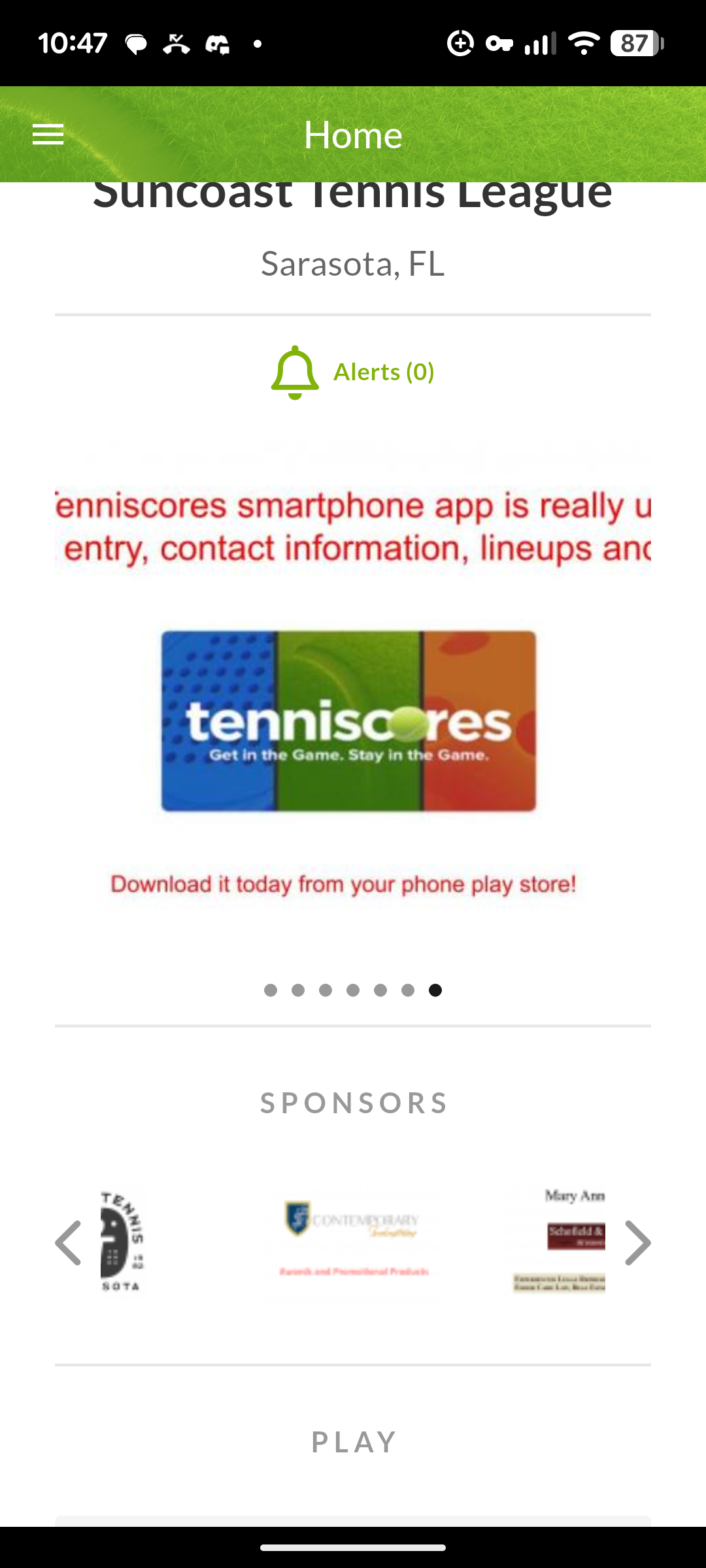
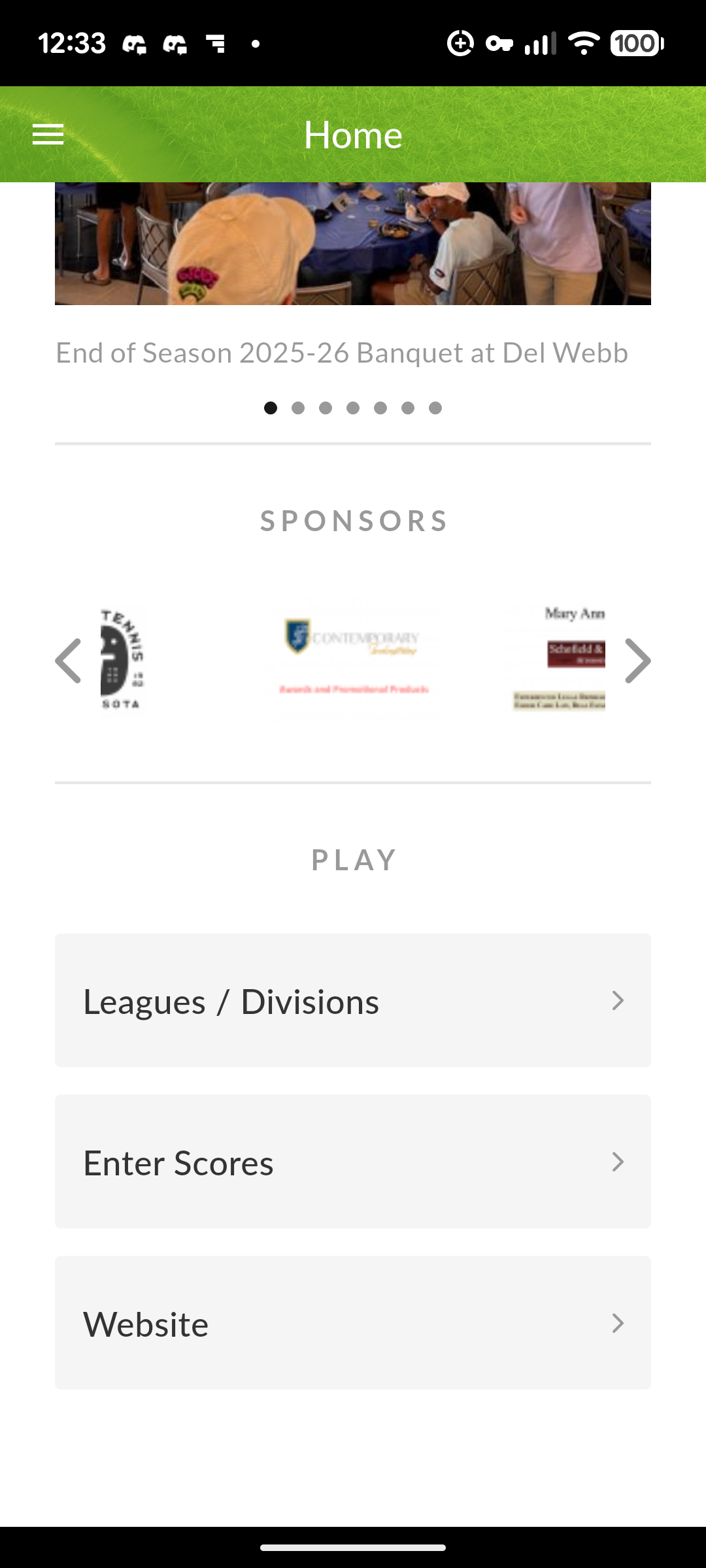
Once installed, the 'Home Page will display whatever image is currently on the website and the options 'League / Division' and 'Score Entry' appear as buttons at the bottom of the screen.
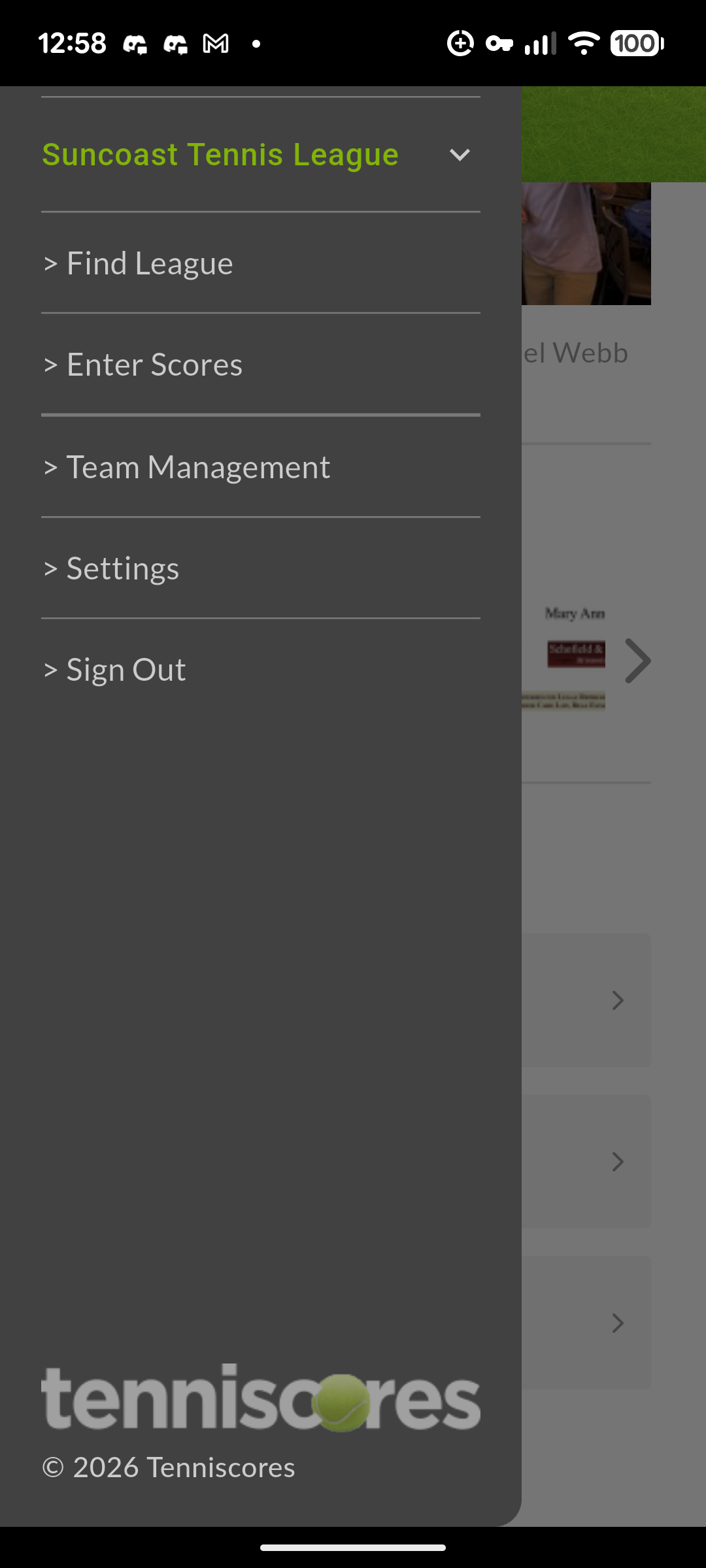
When the 'hamburger' menu at the top left of the screen is opened, more options are displayed. |
 |
 |
| 'Leagues / Divisions' |
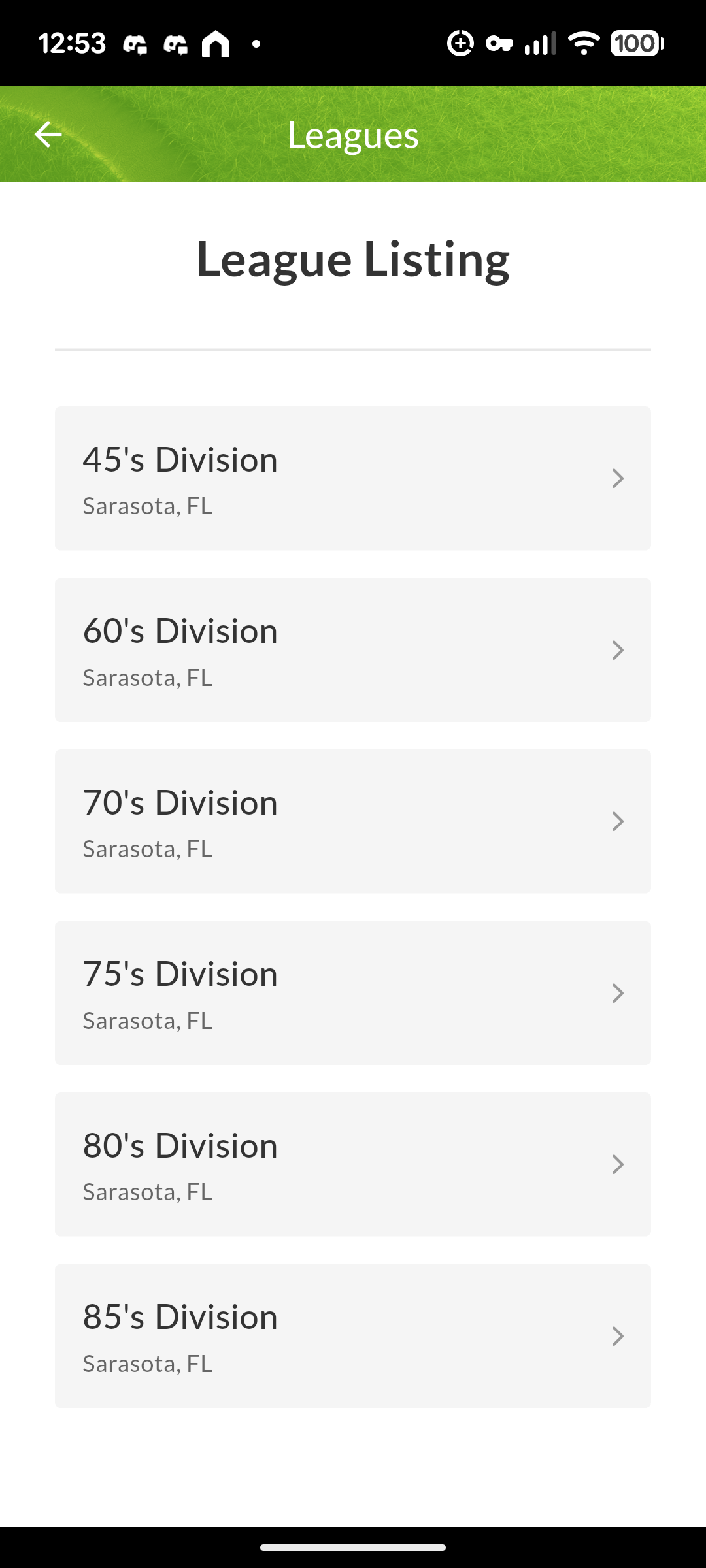
| Tapping on 'Leagues / Divisions' reveals the screen below: a listing of all of the Age Divisions in the League. |
Choosing '75's' produces a list of all of the 'Levels' in the 75 Division as shown below. |
 |
 |
| All of the headings; 'Standings', 'Teams' and 'Matches' are actionable. |
Selecting 'Teams', displays a list of Teams and choosing a Team, it is possible to 'Mark it as a Favorite' or 'Get Directions' using Google Maps which is then initiated on the phone. |
 |
 |
| Tapping on the name of the Captain, Co-Captain or indeed a player, starts a screen which allows the phone to be used to make a call or send an email. |
|
 |
|
| Score Entry |
| From the 'Home' screen, tap 'Enter Scores' |
|
 |
|
| Website |
| From the 'Home' screen, slide the screen upwards and tap 'Website' |
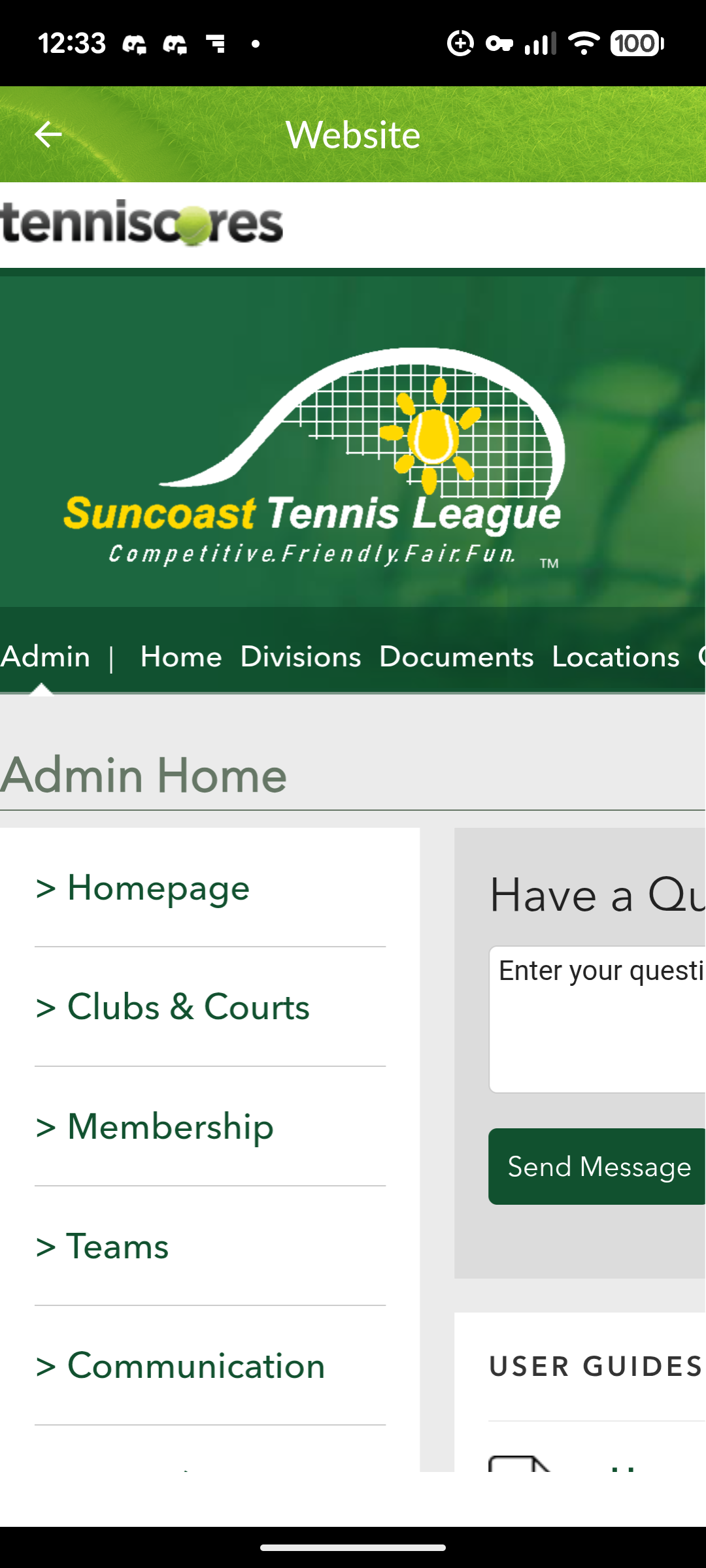
The Suncoast Tennis League website will appear with all features. |
 |
 |
| Team Management |
| From the 'Home' screen, tap on the 'hamburger' menu in the top-left of the title bar |
|
 |
|
|


